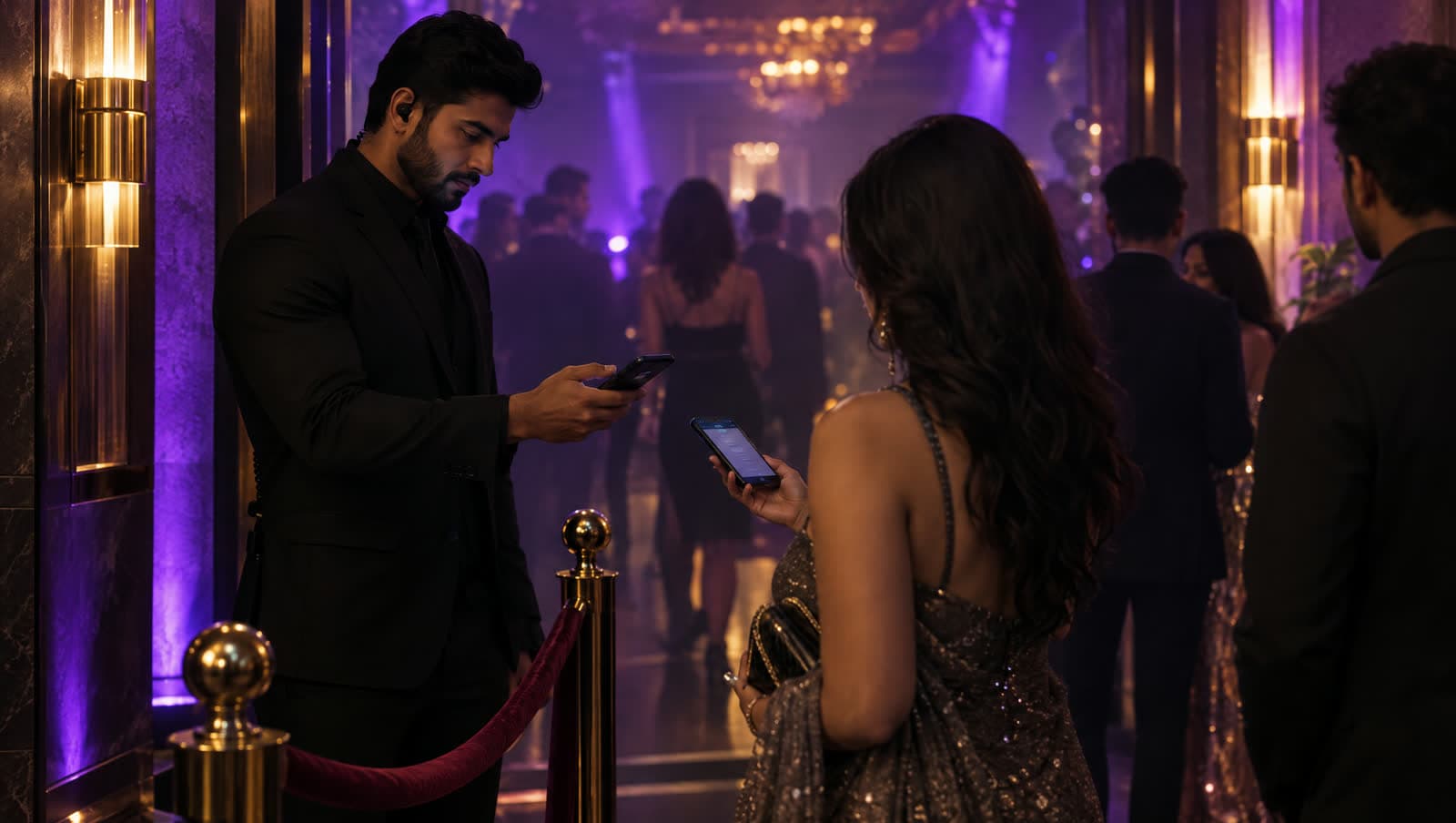
No screenshots, no confusion
A pass cannot go stale the way a PDF can, because the copy on the phone is the copy you control.
Ticket pass
Entry that works when the network doesn't.
A ticket that is a screenshot in a camera roll is a ticket that fails in a basement with no bars. A CashCard ticket is a real pass in the wallet app: it scans without signal, it carries what the ticket includes, and it puts itself on the lock screen when the doors open.
How it runs here
01
Wallet Studio sets the artwork and the fields - section, gate, door time, what the type includes - and previews the Apple and the Google version side by side.
02
A link, a QR or a WhatsApp message. One tap and it is in the wallet app that came with the phone.
03
Entry does not depend on the guest's connection, so the queue moves at the speed of the scanner rather than the signal.
04
If the door time moves, the pass moves with it. The guest does not need to find an email, and nobody re-downloads anything.
What the venue gets
A pass cannot go stale the way a PDF can, because the copy on the phone is the copy you control.
Welcome drink, seating, access - printed where the holder and the person on the door will both read it.
Both wallets surface a pass at the right time on the right day, so guests arrive with it open instead of searching.
The same guest can carry a Wallet pass for the bar, without a second system or a second sign-up.
A demo on your own counter, before you pay for anything. Zero hardware, live in an hour, and the passes keep working long after the lights come up.